Hey, y’all. This week I bring another tiny devlog due to being way too hooked in Hyrule Warriors… yeah yeah I know, but I finally beat the game on difficulty Very Hard so now I’m free. Today I’m going to show you how to create a rainy weather based on variables set on Tiled.
This is really easy to do, the only part that takes some time is tweaking the particle settings until you find something that you like, you can use particlebarn.com to help you with that. After finding the configuration that you like, just port it into the game, in my case I’m using the configuration below.
this.rain = this.add.particles('rain_drop');
this.rain.createEmitter({
x: { min: -50, max: mapWidth + 50 },
y: 0,
lifespan: 1200,
speedY: { min: 200, max: 400 },
gravityY: 100,
gravityX: PhaserMath.Between(100, 200),
scale: { start: 0.5, end: 0.8 },
quantity: 30,
blendMode: 'ADD',
});
this.rain.setDepth(WEATHER_DEPTH);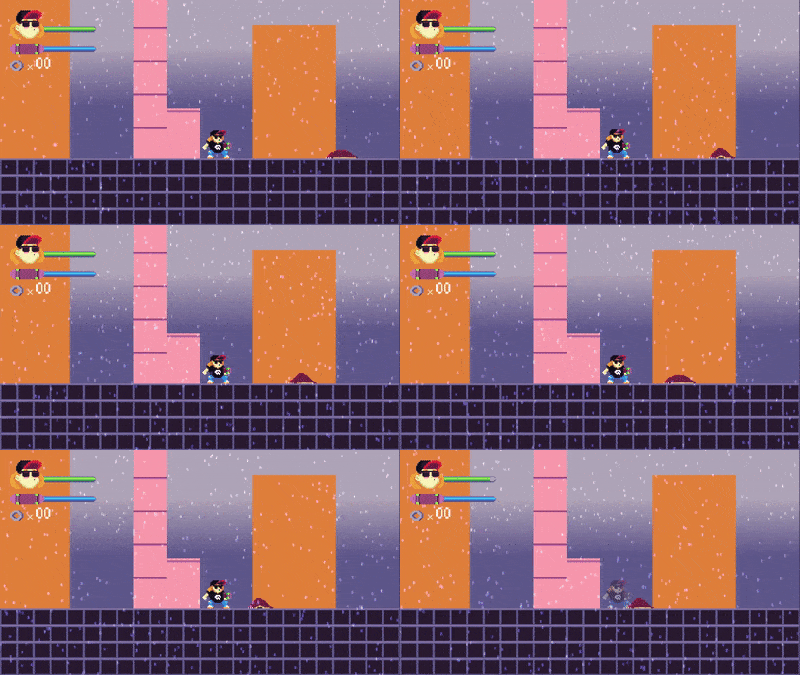 The gif compression is not living up to the real effect
Then I wrap this code into an if statement and run it whenever I have the property weather set to rainy on Tiled. And that was it for today, short but awesome I hope.
Until next week!